

Microsoft 365 Account Takeover Protection: Has Your Defence Kept Up?

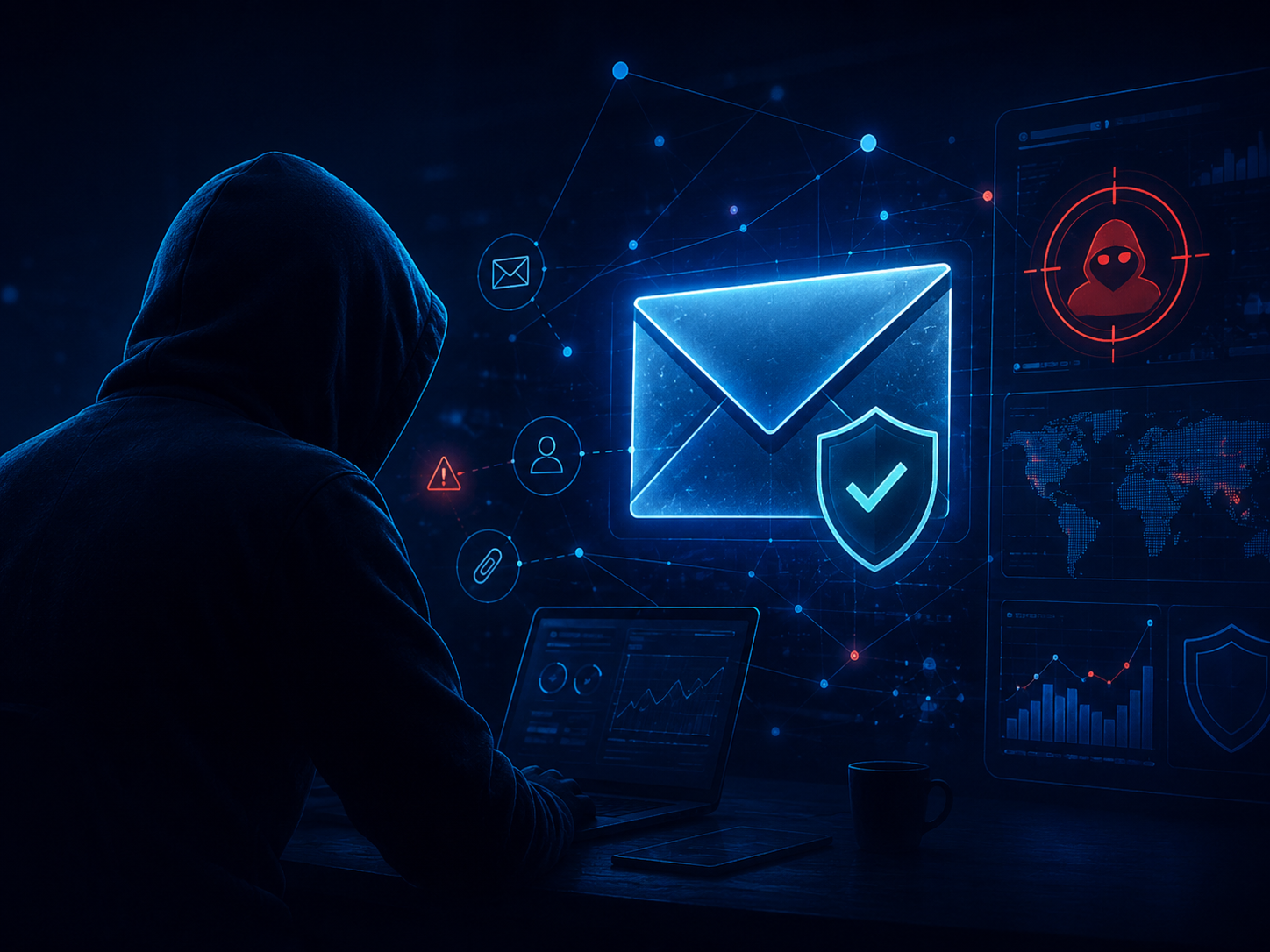
Microsoft 365 account takeover attacks have changed. Attackers are no longer relying only on stolen passwords. They are using QR code phishing, MFA bypass techniques, credential-harvesting pages, redirect chains, and session token theft to work around the controls many organisations already have in place.
For organisations that rely on Microsoft 365 for email, Teams, SharePoint, OneDrive and identity, a compromised account can quickly become more than an inbox problem. It can expose sensitive files, supplier relationships, internal conversations and wider business systems.
That is why Microsoft 365 account takeover protection now needs to cover the full attack chain: before the click, at the point of interaction, and after compromise.
Peritus Cloud Security helps organisations review these risks and strengthen Microsoft 365 protection with Mimecast.
Many people still think of account takeover as a password problem.
Someone reuses a password.
An attacker guesses it.
A login happens from somewhere unusual.
Security blocks it.
That still happens, and MFA remains essential. But more advanced attacks are now designed for environments where MFA is already switched on.
Attackers are increasingly using:
These attacks work because they often look legitimate at the point of entry. A user may scan a QR code, pass through a verification page, complete an MFA prompt, or land on a Microsoft-style login page that feels familiar.
From the user’s perspective, the journey can look normal.
From the attacker’s perspective, that is the point.
MFA should be treated as a non-negotiable baseline for Microsoft 365 security.
It blocks a significant volume of automated credential attacks and makes life much harder for attackers relying on simple password compromise.
But MFA is not the end of the account takeover conversation.
Modern phishing platforms can intercept authentication flows in real time. In some cases, the attacker does not need the user’s password long-term. They need to capture, replay or abuse a valid session.
That means the question is not simply:
“Do we have MFA enabled?”
The better question is:
“What detects the attacks designed to get around MFA?”
For many organisations, that is where the gap appears.
A lot of email security still focuses on the message itself.
Who sent it?
Does the link look suspicious?
Does the attachment contain malware?
Does the domain have a known reputation?
Those checks still matter. But modern phishing campaigns often hide the real risk beyond the first visible link.
A message may contain a QR code instead of a clickable URL. A link may pass through multiple redirects. A phishing page may sit behind a CAPTCHA or verification screen. A destination may only become malicious after delivery.
In other words, the first thing your security tool sees may not be the thing your user eventually reaches.
Microsoft 365 organisations need protection that can follow the journey, not just inspect the surface.
The hardest part of account takeover is that, once access is established, the activity can appear normal.
The attacker may be using a real user account. They may be accessing familiar services, sending emails from a trusted mailbox, or operating inside systems your users use every day.
One unusual login may not trigger a major alert.
One odd outbound email may look like noise.
One file-share event may not seem urgent.
But together, those signals can tell a very different story.
That is why account takeover defence needs to connect activity across email, identity, collaboration and data movement.
A compromised Microsoft 365 account may not look obviously malicious at first. Warning signs can include:
These signals are easier to investigate when email and identity activity are viewed together.
A stronger Microsoft 365 account takeover strategy should cover three stages.
Security needs to inspect more than the visible link.
That means following redirect chains, understanding QR code destinations, detecting suspicious login pages, and treating CAPTCHA-gated pages as a risk signal rather than a reason to stop scanning.
The goal is to identify credential-harvesting attempts before users reach them.
There will always be links that are unknown, newly created, or not yet classified as malicious.
When that happens, organisations need a way to reduce risk at the moment of interaction. That may include isolating suspicious web sessions, preventing credential entry, or controlling how users interact with risky destinations.
The goal is to stop a click becoming a compromise.
If an account is compromised, speed matters.
Security teams need to see unusual mailbox behaviour, suspicious sending patterns, unexpected login activity, and signs of data movement quickly enough to respond.
The goal is to reduce dwell time and limit the damage before the compromised account is used for further attacks.
Microsoft 365 is central to how most businesses operate.
That means account takeover can affect far more than email. A compromised account can be used to:
For organisations without a large internal security team, this creates a practical challenge. It is not enough to have individual controls working in isolation. You need visibility across email, identity, collaboration and data activity.
That is where a layered approach becomes important.
Mimecast helps strengthen Microsoft 365 security by covering more of the account takeover chain.
It can help organisations detect advanced phishing, inspect links more deeply, identify suspicious account behaviour, and reduce the manual effort required to investigate threats.
For Microsoft 365 environments, Mimecast can help by:
This is not about replacing Microsoft 365. It is about adding a dedicated protection layer around the environment your users rely on every day.
For organisations relying heavily on Microsoft 365, account takeover should be reviewed as both an email security and identity security issue.
A useful starting point is to ask:
The answers to these questions will show whether your current controls are keeping pace with the way attackers now operate.
Can MFA stop Microsoft 365 account takeover?
MFA reduces account takeover risk significantly, but it does not stop every attack. Modern phishing techniques can attempt to intercept authentication flows, steal session tokens, or trick users into approving access.
What is MFA bypass phishing?
MFA bypass phishing is a technique designed to work around multi-factor authentication. Instead of only stealing a password, attackers may try to capture a valid session or intercept the login process in real time.
How does QR code phishing target Microsoft 365 users?
QR code phishing encourages users to scan a code, often from an email, document or message. The destination may lead to a fake Microsoft 365 login page or credential-harvesting site that is harder for traditional email tools to inspect.
How can Mimecast help protect Microsoft 365?
Mimecast can add protection around Microsoft 365 by improving phishing detection, inspecting links more deeply, identifying credential-harvesting pages, detecting suspicious account behaviour, and helping teams respond to compromised accounts.
What should we do if a Microsoft 365 account is compromised?
Act quickly. Review login activity, reset credentials, revoke active sessions, check MFA settings, inspect inbox rules and forwarding, review outbound emails, investigate file access, and identify whether the account was used to target others.
If a Microsoft 365 account in your organisation was compromised this morning, how quickly would you know?
Not when the customer calls.
Not when fraudulent emails have already been sent.
Not when data has already moved.
Not when the attacker has already used the account to target someone else.
How quickly would your current controls show you that something was wrong?
Peritus Cloud Security can review your Microsoft 365 email and identity posture, identify account takeover risks, and show where Mimecast can strengthen protection before, during and after compromise.
Browse more content in this category and keep building your knowledge with helpful insights, tutorials, and real-world tips.

Independent UK-based specialists in cloud and cyber security.

St Albans & London UK
Connect on LinkedIn
.png)